
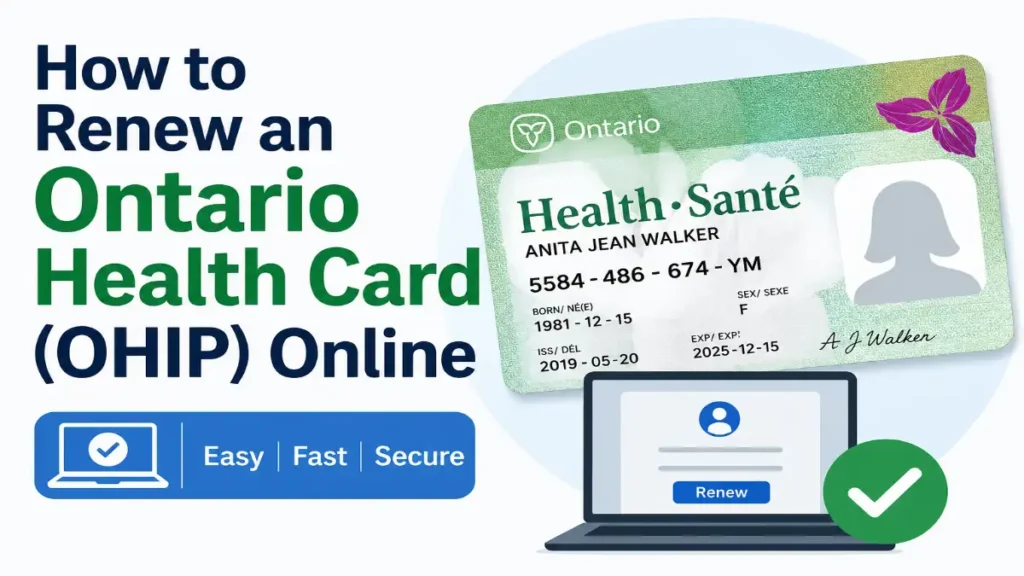
No one likes standing in long lines at ServiceOntario just to renew their Ontario health card. The good news is that you no longer have to do that. If your Ontario health card (the green photo health card) is about to expire or has expired a few months ago, you can renew it online using your phone or laptop in less than 10 minutes.
The best feature is that renewing the health card (Ontario Health Card) yourself is 100% free.
Note: There are certain strict screening criteria for the online portal. If your Ontario health card is about to expire and you meet the essential requirements, you can renew it yourself online in just a few minutes. This simple guide explains how to renew your OHIP card online, what you will need, and what to do if you are unable to renew it online.
Who Can Renew Their OHIP Online?
To renew your Ontario Health Card (OHIP) online instead of waiting in line at a ServiceOntario centre, you must meet certain conditions set by the province. If you meet with all the requirements listed below, you can use the online Ontario renewal portal:
1. The Expiry Timeline
- Your green photo health card/Ontario Health Card must expire within the next 180 days or have expired within the past 180 days.
2. Up-to-Date Photo and Signature
- Your current photo and signature on the card must be less than 5 years old. This means the system can reuse your existing digital records instead of forcing you to take a new picture.
3. Proof of Identity
To pass the online verification checks, you must possess one of the following valid, unexpired items:
- A valid Ontario Driver’s Licence (it cannot be suspended, cancelled, or require a new vision or road test).
- A valid Ontario Photo Card.
4. No Recent Address Changes
- Your permanent home address must match what the system has on file. If you recently moved and updated your address, you cannot renew your health card online within 90 days of making that change.
When You MUST Go In-Person
The system will block your online application, meaning you’ll need to book a quick appointment at a physical ServiceOntario center, if:
- You are turning 16 years old (the system needs a fresh adult photo and signature).
- You are changing your legal last or first name.
- You are still holding an ancient Red and White health card.
- You are between 75 and 80 years old (this specific age group requires an in-person photo refresh).
What You Need to Gather Before Starting the Health Card Renewal Process
Do not open the website until you have these three items sitting right next to you:
- Your current Ontario photo health card.
- Your valid Ontario driver’s licence or Ontario Photo Card.
- A device with internet:
- Phone, tablet, or computer.
- Your exact personal details:
- Health card number,
- Licence or Photo Card number,
- Current address as it appears on your licence/Photo Card.
Make sure your address is up to date with ServiceOntario. If it isn’t, you may need to update it first or renew it in person.
Steps to Renew an Ontario Health Card (OHIP) Online
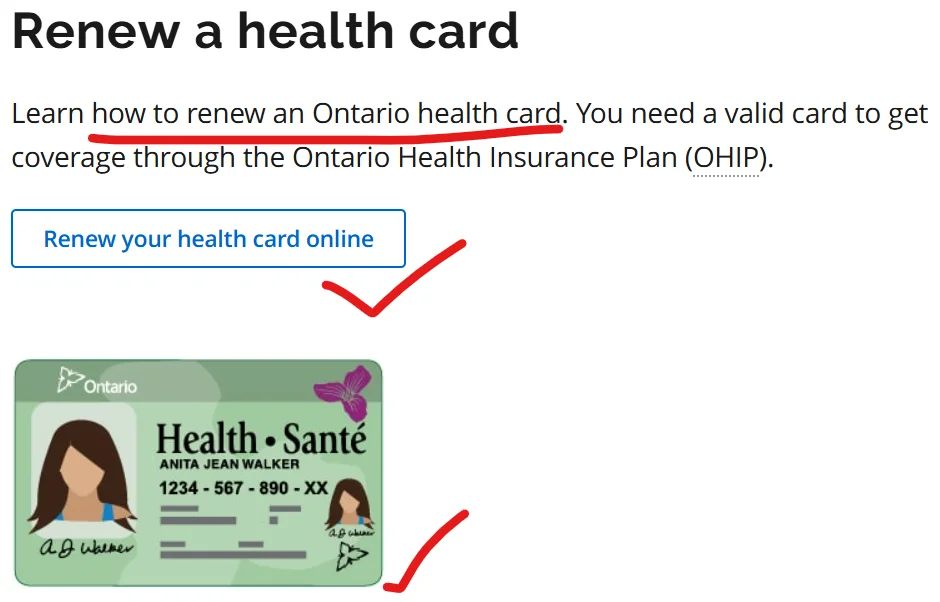
- Go to the official renewal page of the Ontario Health Card:
https://www.ontario.ca/page/health-card-renewal. - Click the link to “Renew health card online“.
- After that, click on Renew your health card again on the s
- On the online renewal portal, choose your login option (health card or driver’s licence/Photo Card).
- Click on Start Renewal.
- Select the Terms and Conditions option, then continue button.
- Enter your details exactly as they appear on your documents:
- Identification – Health card number or licence/Photo Card number
- Card Number,
- Document control number
- Postal Code
- Full name
- Date of birth
- Current address
- Identification – Health card number or licence/Photo Card number
- Complete all extra verification steps the system asks for (confirming your identity and personal details).
- Review the information the system shows (name, address, etc.).
- If everything is correct, confirm and accept any terms shown.
- Click Submit to finish your online renewal application.
- Wait for the on-screen confirmation message.
- If allowed, print or save the temporary confirmation document for your records.
- Your new photo health card will be mailed to the address on your licence/Photo Card (usually within 4–6 weeks).
- If the system indicates that your photo or information needs to be updated, you will have to visit a ServiceOntario centre to renew it instead of doing so online.
When Will Your New Card Arrive?
Once you finish the online form, your new plastic card will be printed and mailed directly to your home. It usually takes 4 to 6 weeks to land in your mailbox.
Important Notice: Keep your printed temporary confirmation sheet with you! Until you receive your new card by mail, hospitals, family doctors, and walk-in clinics will accept this along with your old health card. If your card expires and you do not renew it, medical clinics may charge you directly for your check-up.
Conclusion
If you have a valid Ontario photo health card, a current Ontario driver’s licence or photo card, and your address has not changed in the last 90 days, you can quickly and easily renew your OHIP using the official ServiceOntario portal. If you do not meet these conditions, simply visit a ServiceOntario centre to complete the renewal process (or renew by mail if you are over 80 years of age).
Disclaimer: MyBenefitsOntario.com is an independent informational website. We are not connected to ServiceOntario or the Government of Ontario. To use the live portal securely, always visit the official provincial website directly.